How to Join
Pick how you play and follow along. Same world, same neighbors, whichever device you're on. Not sure whether your devices can play together? See the crossplay compatibility guides.
Open the Minecraft Java launcher and start the latest release.
Click Multiplayer, then Add Server.
Name it HomeyCraft and enter play.homeycraft.com as the address.
Click Done, select HomeyCraft, and press Join Server.
Say hello in chat. Someone will point you toward a good spot to build.
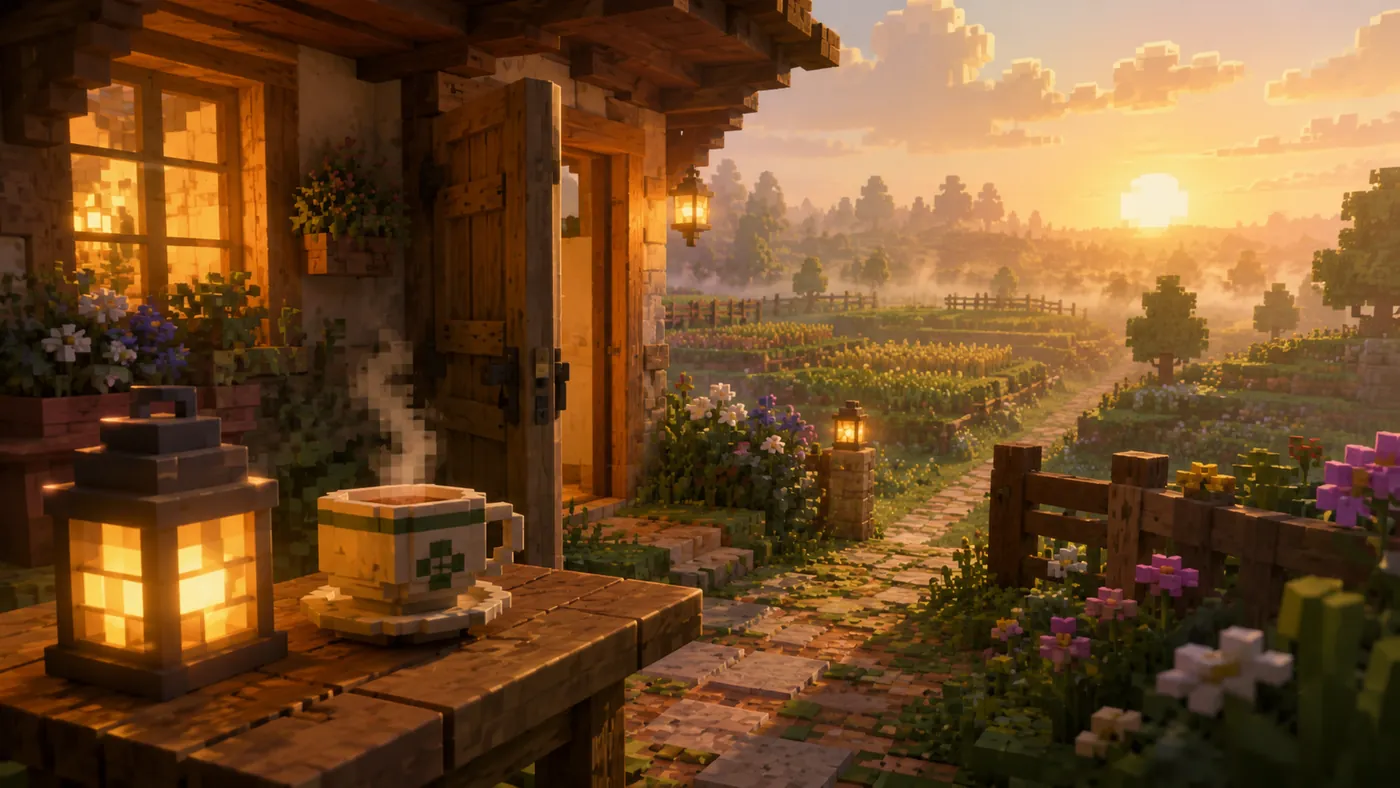
Three Ways In, One World
Java on PC and Mac
Launch the game, open Multiplayer, and choose Add Server. Give it any name you like and enter play.homeycraft.com as the address. Save it, select HomeyCraft in your list, and press Join Server. The entry stays in your list, so every visit after the first one is a double click.
Bedrock on Phones, Tablets, and PC
Open the Servers tab and choose Add Server. Enter bedrock.homeycraft.com as the address and 19132 as the port, then save and tap the entry to join. This is the same world the Java players are in, with the same towns, the same market, and the same neighbors.
Consoles
Consoles cannot type a server address into the game, so joining runs through a free helper called BedrockConnect. You change one network setting on the console, restart Minecraft, and open any featured server to reach a list you can add HomeyCraft to. It is a one time setup that takes about five minutes. The console joining guide has the full steps for Xbox, PlayStation, and Switch.
First Night on the Server
Keep inventory is on, so dying costs you the walk back and never your gear. That single setting changes how the first night feels: you can explore a cave, misjudge a drop, and still keep the tools you spent the evening making.
Set a home point with /sethome as soon as you pick a spot you like, so you can always return to it no matter how far you wander. When you are ready to make that spot permanent, claiming land through a town protects your builds from being changed by anyone else.
Then say hello in chat. It works. Players here routinely stop what they are doing to help someone who just arrived, whether that means answering a question about Acorns or pointing you toward a valley nobody has claimed yet.
If Something Goes Wrong
If Bedrock shows a version mismatch when you try to connect, update the app and try again. That message almost always means the game on your device is a release or two behind the server rather than anything being broken.
Bedrock players appear in game with a period at the start of their name. That is normal and nothing is wrong. It only matters when you are typing a command that includes someone's name, or entering your own username on a vote site, so it is worth knowing before it confuses you.
You are in. The Player Handbook covers everything from here.