Guides
Everything here is written for real evenings: short enough to read with the kettle on, complete enough that you never need a second tab. The joining guides cover every platform and pairing, the life guides cover money, land, and voice, and the Player Handbook collects every command in one place. If a question is not answered anywhere, ask in Discord and we will turn the answer into a guide.
What This Library Is
This is a set of practical, evergreen answers about playing Minecraft together across Java, Bedrock, and consoles. Every guide is written for adults who want a working answer fast, so each one opens with the thing you actually came for and saves the background for later in the page. Nothing here depends on a season, an event, or a version that will be gone in six months.
The joining guides get you into the world from whatever device is in front of you. The life guides cover the parts that decide whether you stay: land, money, neighbors, and talking to people while you build. You can read them in any order, and none of them assume you have played on a multiplayer server before.
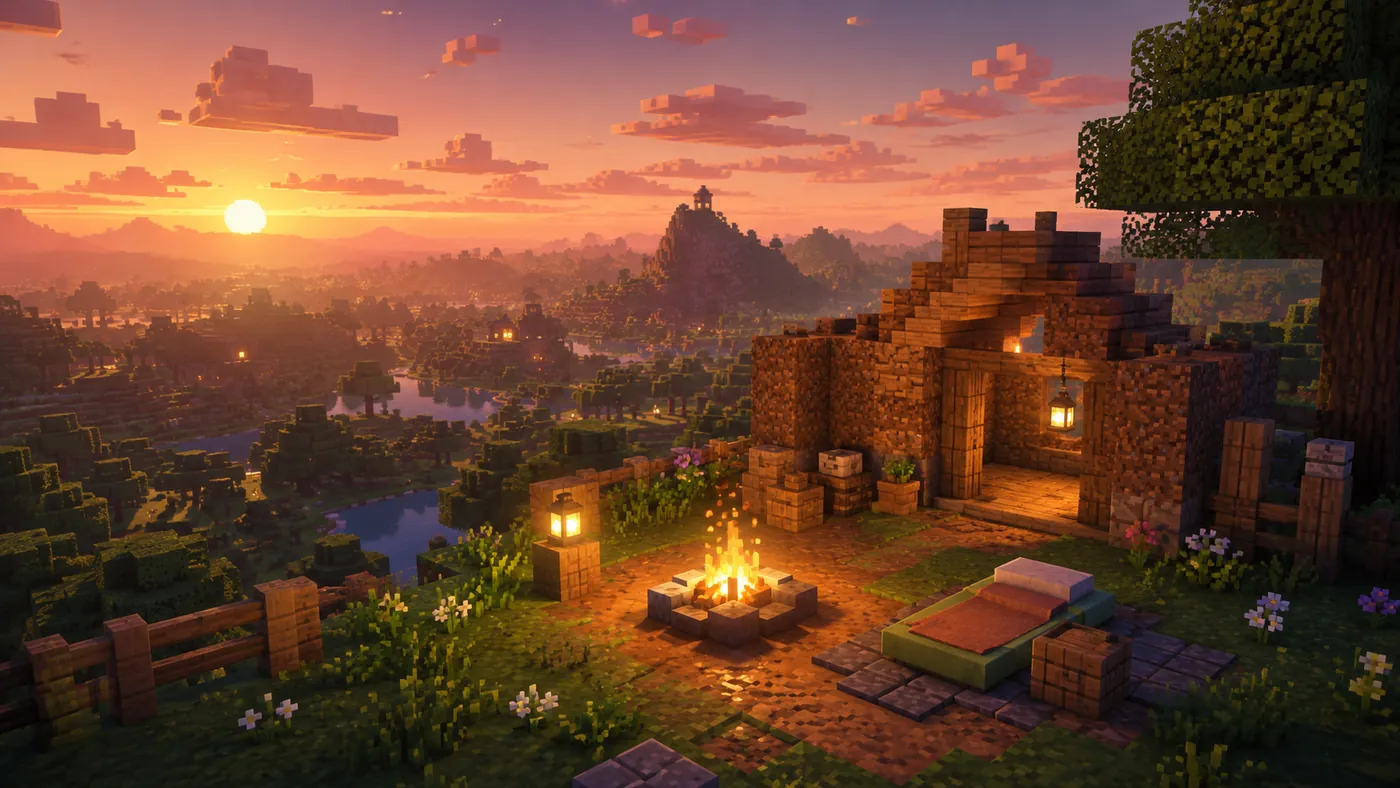
Your First Week
Where to land, what to build first, and how to find neighbors without crowding them.
Read Guide →
Joining a Minecraft Server from a Console
Consoles cannot add server addresses directly, but a free one-time setup fixes that. Here is the whole process for Xbox, PlayStation, and Switch.
Read Guide →
Towny Basics
Claiming plots, starting a town, inviting friends, and keeping your claims safe.
Read Guide →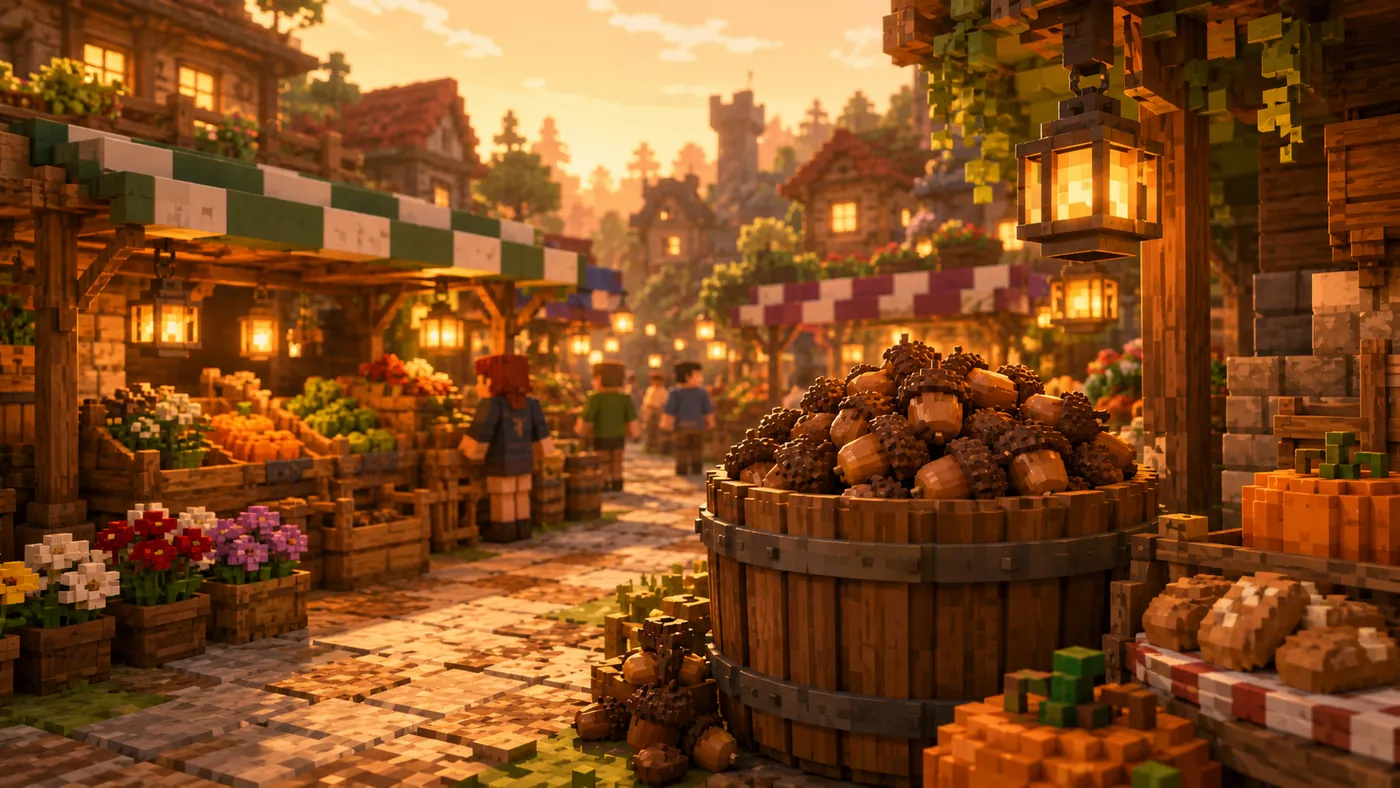
Making Money with Acorns
Acorns are our currency. Here's how voting, jobs, farming, and trading fill your pouch.
Read Guide →
Setting Up Voice Chat (Java)
Install the mod, pick your microphone, and chat with whoever is standing nearby.
Read Guide →
Playing on Both Java and Bedrock
Link your accounts once and play as the same person from your PC, console, or phone.
Read Guide →What Each Guide Answers
- Your First Week
- Answers the question every new player has on night one: where to land, what to build first, and how to pick a spot near other people without crowding them. Read this if you have joined the server and are standing at spawn wondering which direction to walk.
- Joining a Minecraft Server from a Console
- Explains the full BedrockConnect route that Xbox, PlayStation, and Switch players need, because consoles cannot type a server address directly. Read this if the console version of Minecraft only offers you featured servers.
- Towny Basics
- Covers claiming plots, founding a town, inviting friends, and keeping your claims protected so nothing you build can be taken apart. Read this before you commit to a permanent base.
- Making Money with Acorns
- Walks through the ways Acorns actually accumulate: voting, jobs, farming, and trading with other players. Read this if you want to buy from the market rather than mine every block yourself.
- Setting Up Voice Chat (Java)
- Shows Java players how to install the voice mod, choose a microphone, and talk to whoever is standing nearby instead of typing. Read this if you would rather chat while your hands are busy building.
- Playing on Both Java and Bedrock
- Explains how to link your accounts once so you appear as the same person whether you log in from a PC, a console, or a phone. Read this if you own the game on more than one device.
The Player Handbook
Every command, every way to earn Acorns, and how towns work, all in one place. The Player Handbook answers almost every question about how the server works.
Use the guides for the walkthroughs and the handbook when you need a command looked up quickly. If a question is not answered in either place, ask in Discord. Someone will answer, and if the question comes up more than once it becomes a guide.
Playing Across Devices
Wondering whether your Xbox, PlayStation, Switch, phone, or PC can play together? The crossplay guides cover every pairing.